Rank 1

🎃 Halloween sur AeraSRP ! Survie semi-RP crossplay Java & Bedrock : figurines et clés d'Halloween, métiers, pets, météorites et concours de récolte.

…
98votes this month
On Android and iPhone, Minecraft is the Bedrock edition (formerly Pocket Edition, "PE"). It joins Bedrock and cross-play servers: here are the best ones, ranked by player votes.
🎃 Halloween sur AeraSRP ! Survie semi-RP crossplay Java & Bedrock : figurines et clés d'Halloween, métiers, pets, météorites et concours de récolte.
BrutMC, un SMP Java & Bedrock sans limites. Construis, pille, combats et joue comme tu veux. Ici, tout peut arriver !
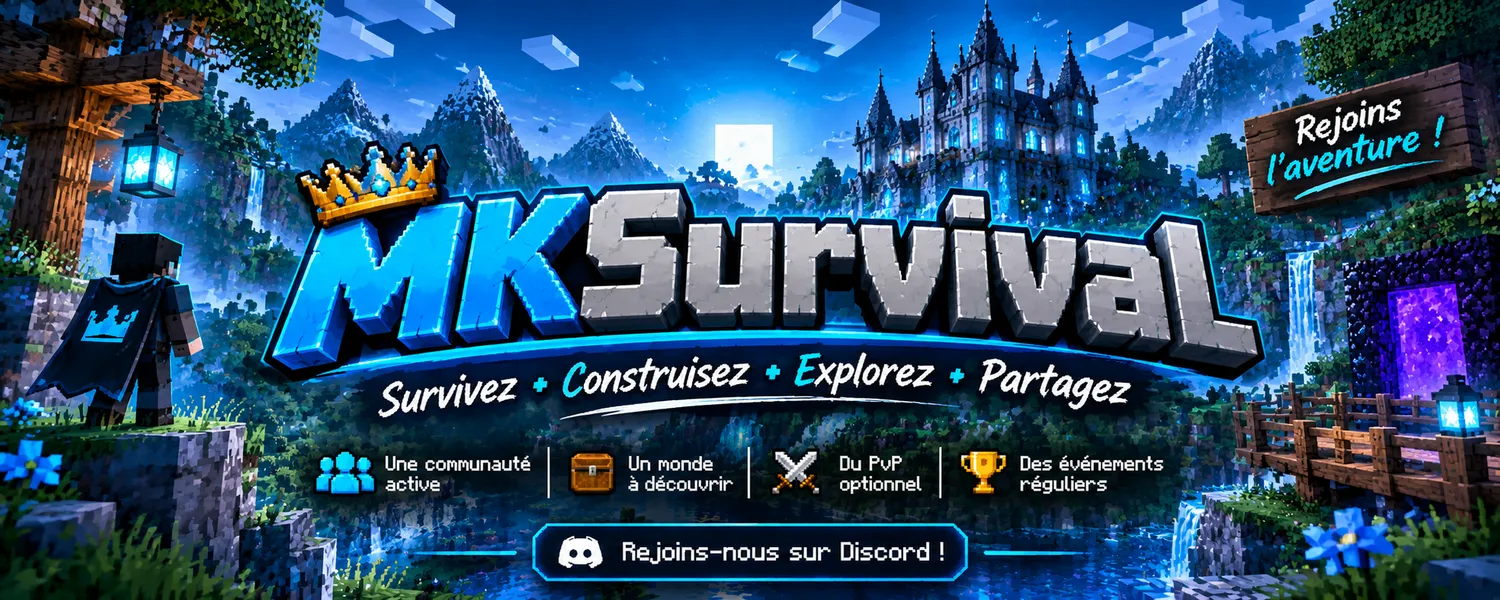
MKSurvival — Serveur SMP Minecraft Java & Bedrock !
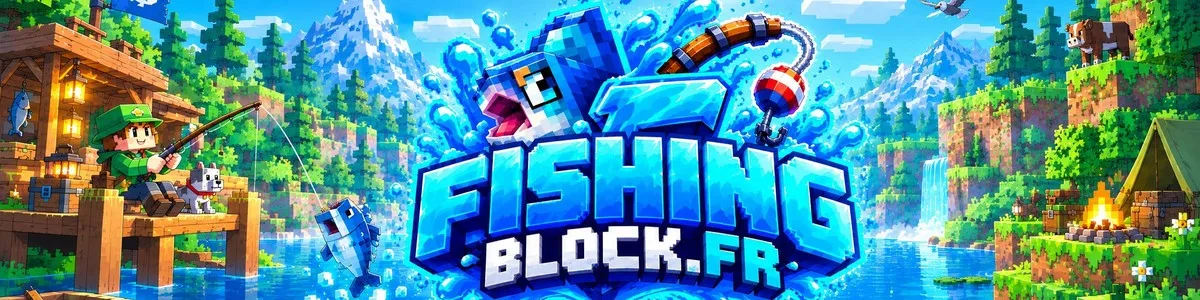
🎣 Serveur de pêche avec chat vocal de proximité ◆ Crack accepté ◆ Java et Bedrock ◆ 100 % gratuit ◆ 526 poissons ◆ Débutants bienvenus
Un serveur minecraft bedrock sur le thème de tomodachi life
Linesia, le serveur Minecraft Bedrock unique. SkyFaction, PvP de faction et bien plus. Accessible sur PC, mobile et console.
FirstSky est un serveur Minecraft francophone SkyBlock et OneBlock, accessible en Java et Bedrock
Survie Chill pas de prise de tête tout est autorisé
MousseSMP : survie SMP francophone en 26.2, Java et Bedrock. Claims, économie, équipes, événements et communauté accueillante.
Survie SMP Java & Bedrock : monde sans reset, parcelles protégées, économie entre joueurs et guildes. Site et aide en français. Rejoignez la bêta !
Yes: Pocket Edition is the former name of the mobile version, now Bedrock Edition. Bedrock and cross-play servers therefore work on your phone.
Yes on cross-play servers, which welcome both Java (PC) and Bedrock (mobile, console) players.