Classifica 1

🎃 Halloween sur AeraSRP ! Survie semi-RP crossplay Java & Bedrock : figurines et clés d'Halloween, métiers, pets, météorites et concours de récolte.

…
98voti di questo mese
On a computer (Windows, macOS, Linux), you play Minecraft Java Edition: it is the edition with the most servers, from mini-games to modded servers. Here are the Java and cross-play servers, ranked by player votes.
🎃 Halloween sur AeraSRP ! Survie semi-RP crossplay Java & Bedrock : figurines et clés d'Halloween, métiers, pets, météorites et concours de récolte.
SMP francophone Java 26.3 sous Fabric : survie, constructions et fermes redstone. Claims, entraide et accès libre, sans whitelist ni candidature.
BrutMC, un SMP Java & Bedrock sans limites. Construis, pille, combats et joue comme tu veux. Ici, tout peut arriver !
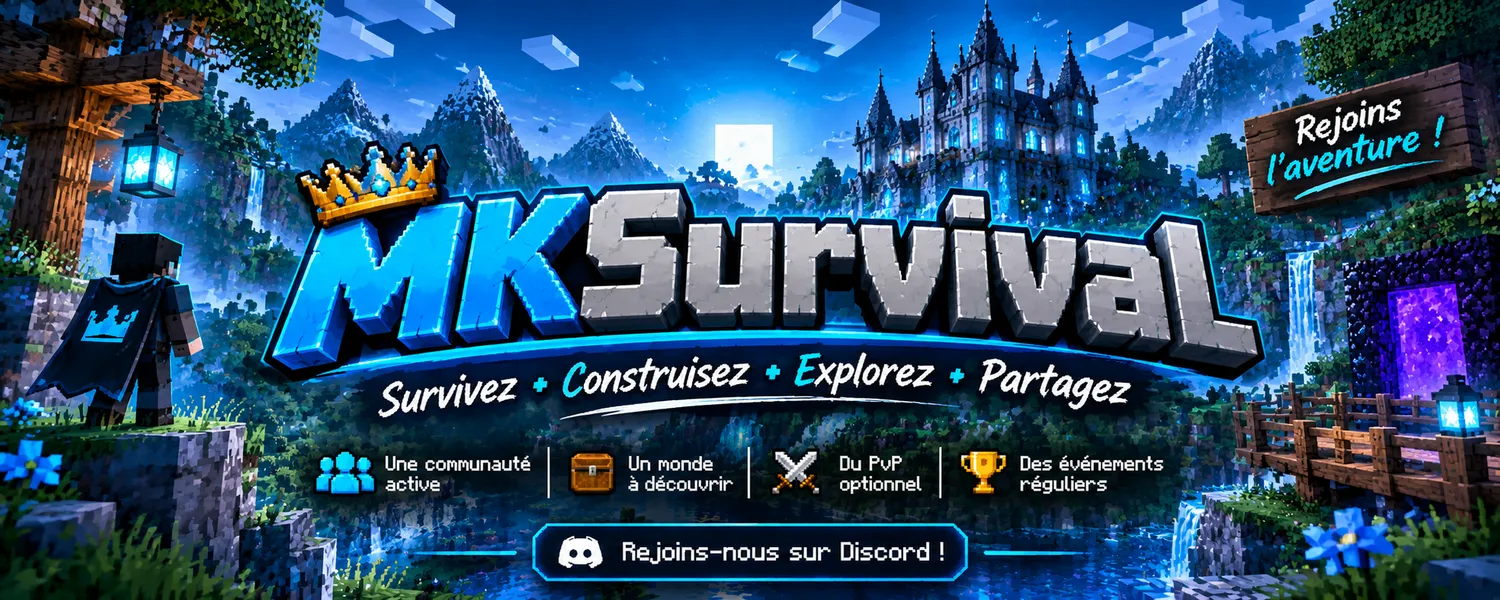
MKSurvival — Serveur SMP Minecraft Java & Bedrock !
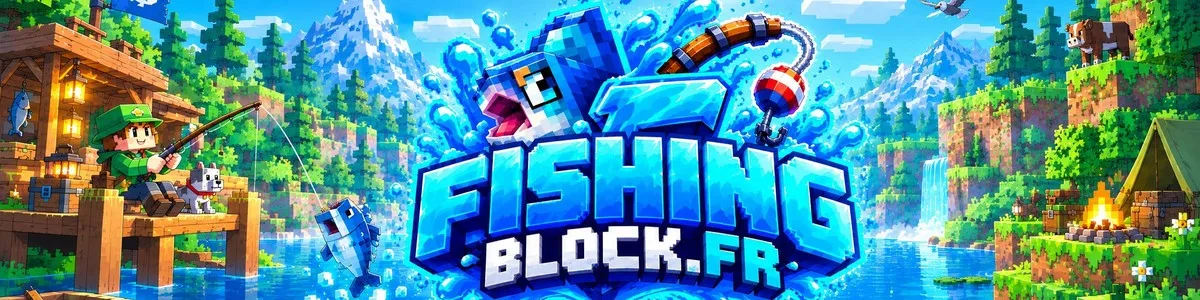
🎣 Serveur de pêche avec chat vocal de proximité ◆ Crack accepté ◆ Java et Bedrock ◆ 100 % gratuit ◆ 526 poissons ◆ Débutants bienvenus
🌍 PixelSMP | Serveur Minecraft Survie avec une communauté active, des métiers, des rangs évolutifs, une économie, des événements et des récompenses exclusives.
Neveria PvP Faction 1.8.8 ( Optifine : Pour le Texture Pack ) Crack Autorisé !
Vous cherchez une nouvelle expérience de jeu ? Rejoignez l’aventure **Evolya**, un serveur en plein essor qui n'attend que vous !
Brumaria » Skyblock steampunk [Java 26.3] Fais voler ta plateforme au-dessus du Smog !
Fortunia est un serveur Aventure (Parcours, Puzzle, Dropper et autres) en bêta ouverte
Java Edition is the original PC edition and has the most servers. Minecraft for Windows (Bedrock) also exists: it joins Bedrock and cross-play servers, not Java servers.
Each server page lists the accepted versions. Most servers accept recent versions (1.20, 1.21); many PvP servers stay compatible with 1.8.